




















Cuts on the beat
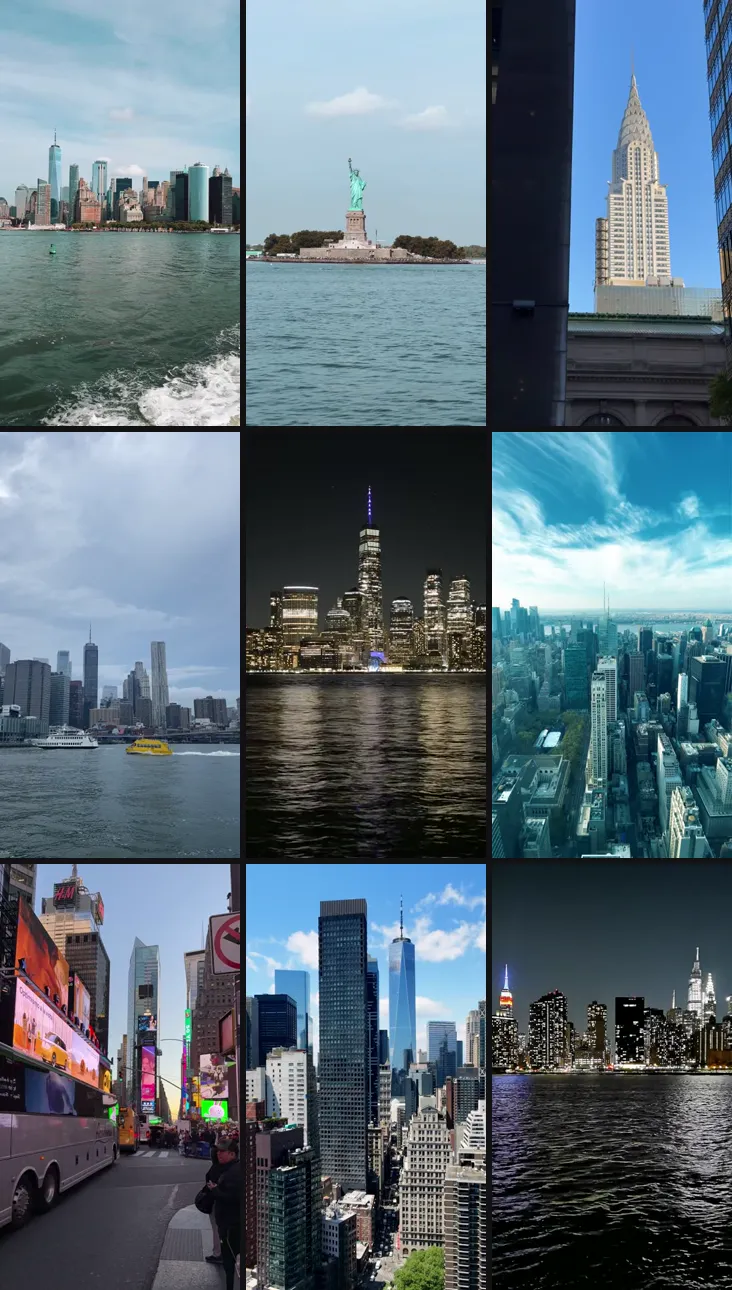
Clippra analyses the beats and accents of your song and times the cuts to them. The New York reel above is 90 shots in 30 seconds.
Upload your clips and add a song. Clippra's AI picks the best moments and cuts one 9:16 reel: travel reels, car edits and effect reels.
Three ways to start
How Clippra cuts
Clippra reads the beats and accents of your song and picks your strongest moments. You see the plan before anything renders.
Clippra analyses the beats and accents of your song and times the cuts to them. The New York reel above is 90 shots in 30 seconds.
Before anything renders, you see which moments Clippra picked and in what order. Happy with it? Then render.
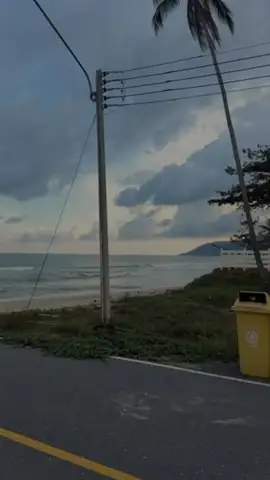
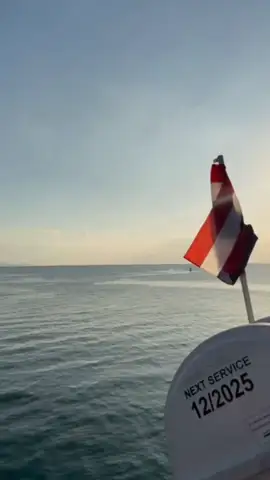
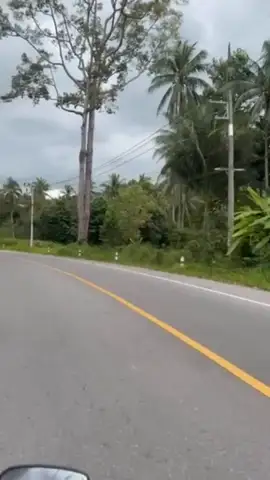
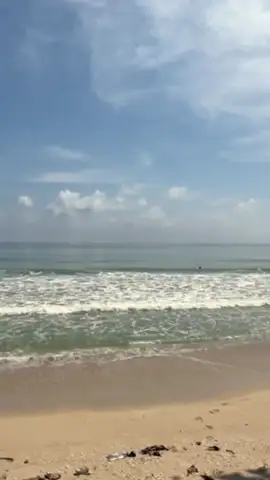
Nine raw New York clips on the left, the 9:16 reel Clippra cut from them on the right: 90 shots timed to the music, nothing generated.
In short
Clippra is an AI first-cut editor for short-form video. It turns many of your own clips into one 9:16 reel: travel reels, car edits and effect reels. It only uses footage you shot yourself, with no stock or AI-generated scenes.
For a regular reel, the AI picks the strongest moments by what's on screen and puts them in order.
Cuts land on the beat of your own song or a catalogue track: on Starter and up, with the Trip Pass and in your first free AI reel.
Before anything renders, you check the cut and move, swap or drop shots, with no timeline.
6 ready-made effects (Punchline, Quote Beat, Calm Quote, Transitions, Pop and Car Edit), plus your own line if the effect has one. The cuts follow the beat of your music.
Car Edit cuts hard on every hit, with a punchy look and no text; when a clip shows the car clearly, it pops in early with a white outline.
Every reel exports as a 9:16 MP4 at 1080 × 1920, ready for TikTok, Instagram Reels and YouTube Shorts.
Clippra is a web app from Germany. It runs in the browser on your phone or computer, with nothing to install, and processes data under the GDPR.
For the last details: trim clips by hand and add automatic speech captions.
Free to start: up to 5 clips per project and 3 watermarked exports a month, the first with the full AI cut (limited daily slots), plus one free effect reel. Plans from €9.99/month; one-off Trip Pass €12.99 (14 days) or Reel Unlock €2.99.
FAQ
Up to 5 clips per project and 3 HD exports a month in 9:16, all with a watermark. Your first reel runs on the full AI pipeline with beat sync while the day's free spots last. After that you see your AI cut in a free preview (up to 3 a day) and export exactly that cut. Without a preview, the export uses the basic cut. No credit card needed. On top, you get one free effect reel, cut to the beat of your music, also watermarked.
Clippra runs in your browser, on your phone and on your computer. There's nothing to install from an app store. You can add Clippra to your home screen and open it like an app.
For Reels, TikTok and Shorts: yes, that's exactly what it's built for. Selection, order, beat-synced cuts and color grade are all in, plus your own title if you add one. Clippra isn't made for a documentary or a wedding film.
You can, but you don't have to. You get a standard MP4. If something's off, re-cut in Clippra: another variant, and from Starter a different style or track.
Clips and finished reels are deleted after 7 days of project inactivity (Studio plan: 30 days). Clippra doesn't train AI models on your footage.
If prices or plans change, we'll let you know well in advance. Subscriptions can be cancelled anytime, and the Trip Pass has no subscription at all.
MP4 and MOV on all tiers. Travel reels always export as 9:16 in 1080p.
Plus one effect reel. Watermarked, no card needed.